

Laurentian Bank: Laurentian Bank of Canada.
THE EXCHANGE® and Accel® are registered trademarks of Fiserv Inc., licensed for use in Canada by FICANEX Services Limited Partnership.
† Selection of bill denominations is subject to the availability of bills in the ABM.
This service is available to all personal banking and business customers who hold a Laurentian Bank debit card.
There are no fees to use an automated banking machine in THE EXCHANGE® network.
Additional transaction fees apply (withdrawal and/or transfer). If you have a plan and have not exceeded the number of monthly transactions included, or if you are a personal banking customer and have a minimum daily balance of $3,000 in an active chequing account, no transaction fees will apply. For more information, personal banking customers can refer to the My Money guide (PDF, 454 KB). For more information, business clients can refer to the My Transaction Tools guide (PDF, 223 KB).
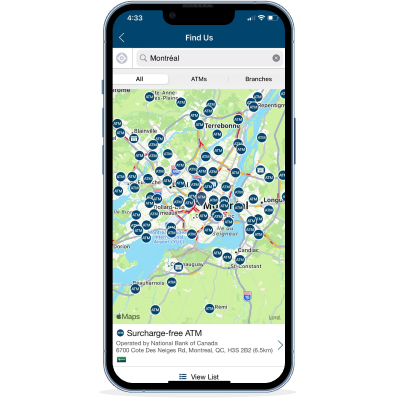
Additional fees may be applied to transactions, depending on the ATM used. To find an ATM, use the Accel ATM locator.
It is not possible to perform fund withdrawals or transfers with an account that requires more than one cardholder signatures to carry out transactions.
The Bank will place a hold on funds when cheques and commercial bills deposited into your account at an automated banking machine exceed the daily limit (personalized rating) associated with your client card. Funds from deposits made at THE EXCHANGE® network ATMs may be held for a maximum of five (5) working days.
Deposit limits may vary depending on the ATM operator.
Please note that the sums transferred will be held for a maximum of five (5) working days. It is not possible to perform fund withdrawals or transfers with an account that requires more than one cardholder signatures to carry out transactions.